Free forever. No credit card required.

Block porn on your phone.
For free.

No bypasses. No subscription. No porn.

Install Now
Works on iOS and Android
As seen on Matt Fradd
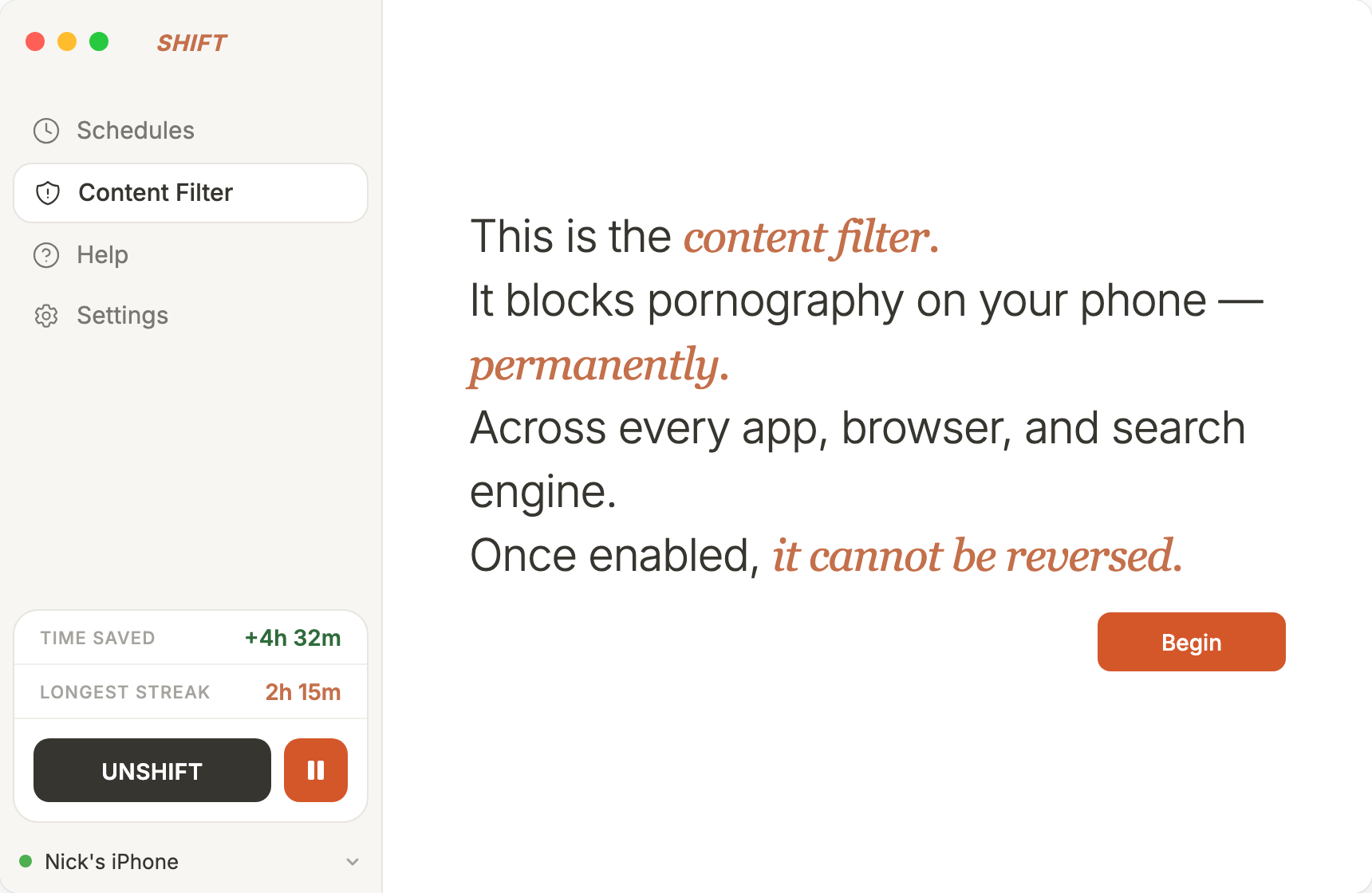
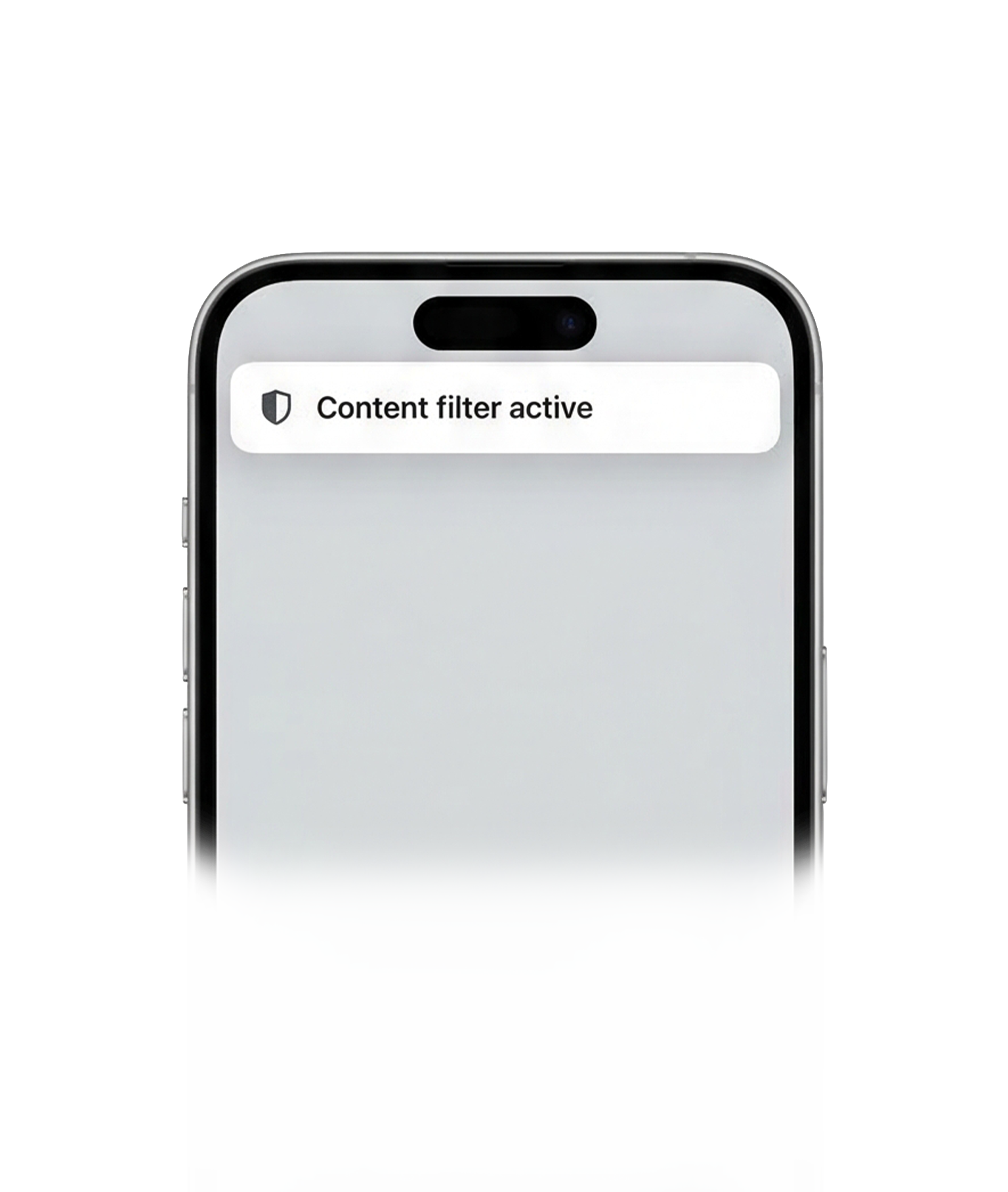
SHIFT content filter onboarding Content filter active notification on iPhone
Tired of
relapsing again? broken promises? clearing your history? hurting relationships? shame and guilt? failing every app? relapsing again?

You've tried to stop.
It hasn't worked.

Install a blocker. Find a workaround. Delete it. Relapse. Repeat. Every tool you've tried lives on your phone — the same device you're trying to protect yourself from.

Every other blocker can be bypassed

Except SHIFT.

Other blockers
SHIFT
You can delete the app
Not even an app
You can disable Screen Time
Doesn't use Screen Time
You can enter Safe Mode
Blocks Safe Mode access
You can factory reset
Cannot be factory reset
You can uninstall from phone
Can't uninstall from phone
VPN workarounds exist
No VPN workarounds
Download the desktop app
Connect your phone
Enable Content Filter
Install Now
The cost of not acting

Every day without protection is another day at risk.

SHIFT Content Filter costs $0 free forever
Install Now
Works on iOS and Android | Can't be bypassed | No credit card required

Addicted to doomscrolling too?

SHIFT also blocks Instagram, TikTok, X, and other distracting apps on your phone — with no workarounds while it's active. Get back 4+ hours a day for $0.40/day.

Learn about the SHIFT Doomscrolling Blocker →

Frequently asked questions about SHIFT Content Filter

A free feature of SHIFT that blocks adult content across every app and browser on your phone. It lives on your desktop computer, making it impossible to bypass or delete from your phone.
Yes, the SHIFT Content Filter is completely free. No credit card required. No trial period. Free forever.
SHIFT Content Filter is permanent — it can't be bypassed or deleted from your phone. It doesn't cost a subscription fee, doesn't block things that shouldn't be blocked, and also filters explicit content in social media. Covenant Eyes and Bark are phone-based apps that can be uninstalled.
No. SHIFT lives on your desktop computer, not on your phone. There is no way to disable, delete, or bypass the content filter from your phone.
Yes, SHIFT Content Filter works on both iOS and Android phones and tablets.
Yes. SHIFT Content Filter works across every app and browser on your phone, including social media apps like Instagram, Twitter, Reddit, and more.
Browser extensions only work in browsers — not in apps. DNS blockers can be bypassed by switching networks, using a VPN, or changing DNS settings. SHIFT works across all apps and browsers, and cannot be bypassed from your phone.
Download SHIFT on your computer, connect your phone via USB for a one-time setup, then enable the Content Filter with one click.
No, SHIFT does not read, download, transmit, or store your personal information.
SHIFT does not collect personal data. And thus cannot sell it.
You can read our privacy policy and our terms and conditions.