
Laptop and iPhone showing SHIFT on a warm desk
7,000+ people reclaiming their time

Scroll LessLive More

The distraction blocker designed to be impossible to bypass.

Blocks distracting
apps & websites
Impossible
to bypass
Smart schedules
that stick
Works across
all your devices
Get SHIFT

7-day money-back guarantee

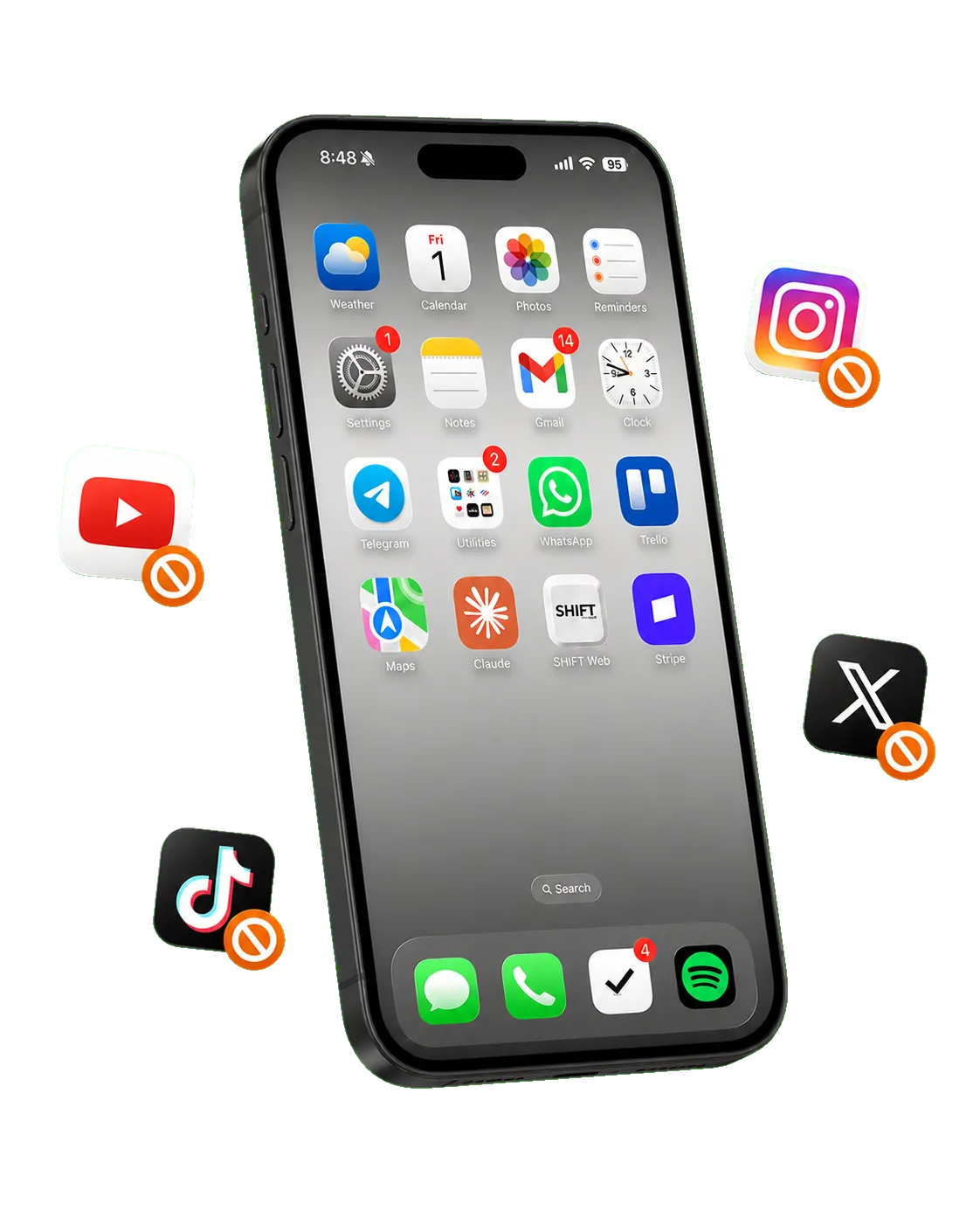
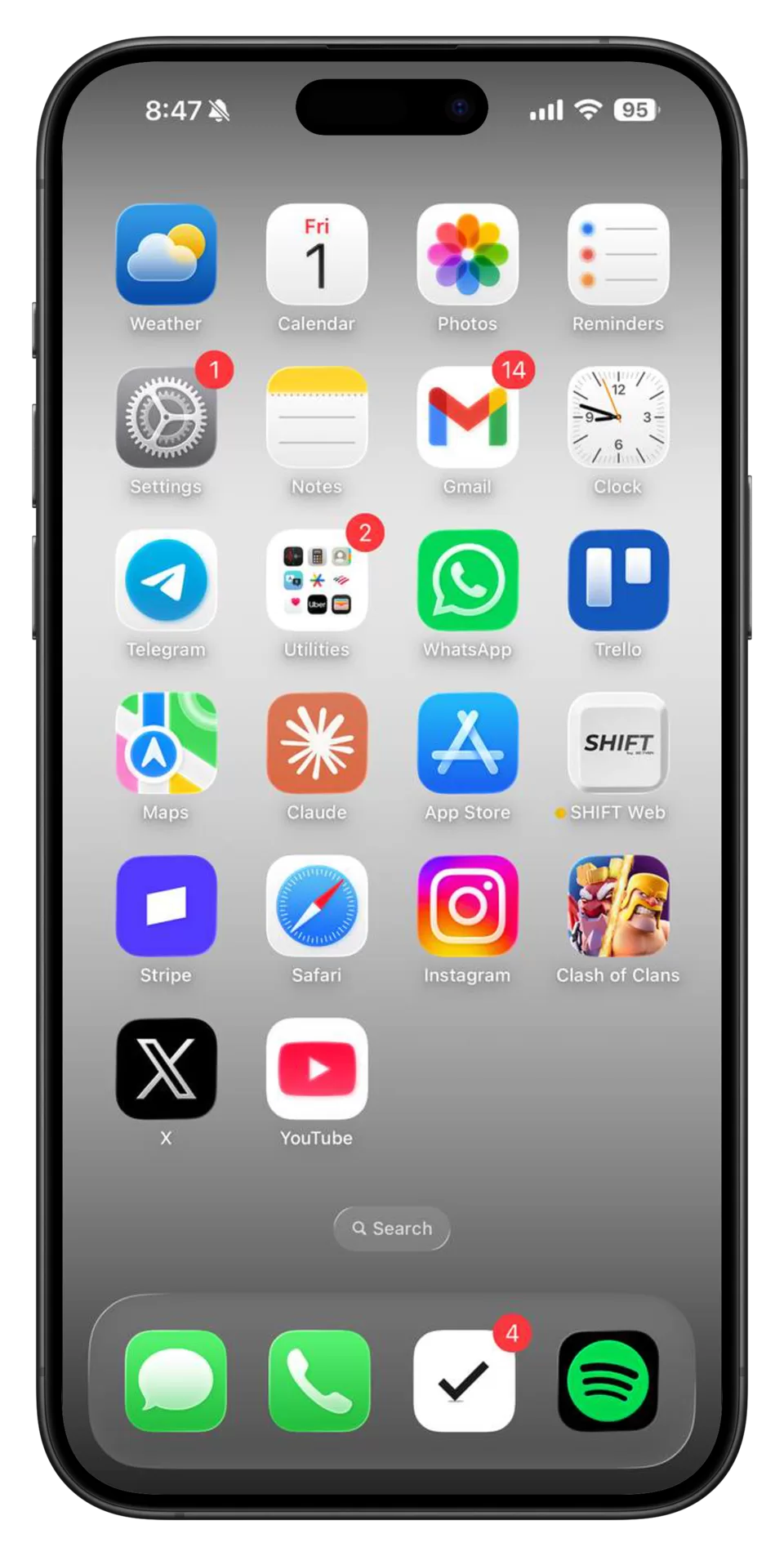
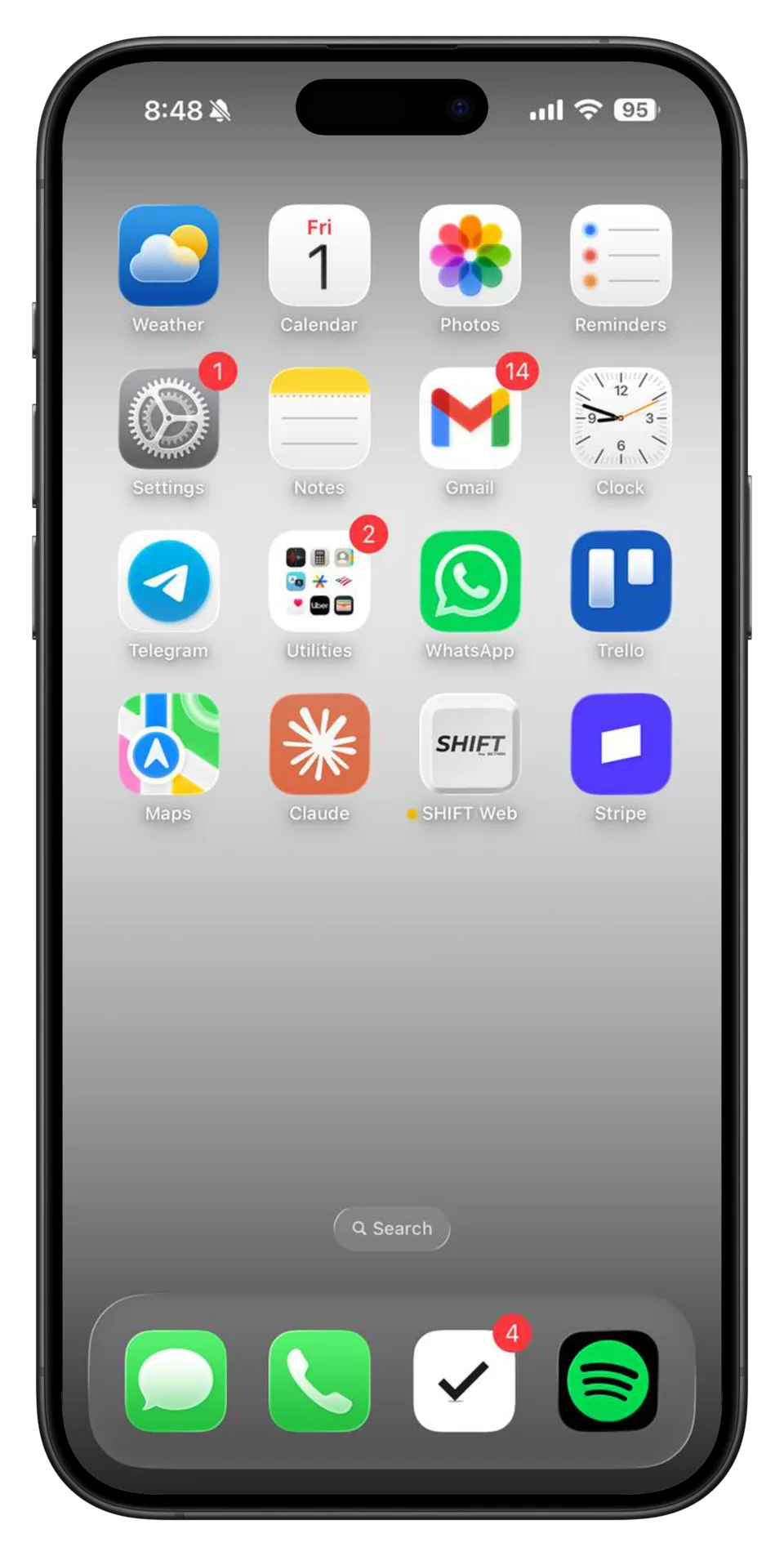
SHIFT keeps useful phone apps available while blocking distractions
Join 5,000+ people reclaiming their time

Stop doomscrollingin 1 click.

No workarounds. No willpower. No doomscrolling.

Works on Mac, Windows, iPhone & iPad
iPhone with distracting apps blocked by SHIFTiPhone home screen after SHIFT blocks distracting apps

The screen time solution
that's impossible to bypass.

7-dayMoney-back guarantee
5.0★★★★★
7,000+ people reclaiming their time
Get SHIFT

Control from
your computer.

Stay focused
on your phone.

Distractions disappear.
The useful apps stay.

More than half of SHIFT users spend less than an hour a day on social media.

On average, 839 hours are reclaimed each year by reducing screen time with SHIFT. More time for family, better sleep, and less anxiety.

Available for iPhone and Android.

Get SHIFT
  1. Connect your phone

    One setup. Managed from your computer.

  2. Block distractions

    Social feeds and games stay out of reach.

  3. Keep the essentials

    Messages, maps, and daily tools stay ready.

Get SHIFT

One decision. Every distraction handled.

Start a shift and SHIFT filters your apps automatically. We block ALL distractions - no selections required.

Get SHIFT

Choose how you SHIFT.

One tap, a timed session, or a schedule that runs itself.

Get SHIFT

Manual shifts

Block now
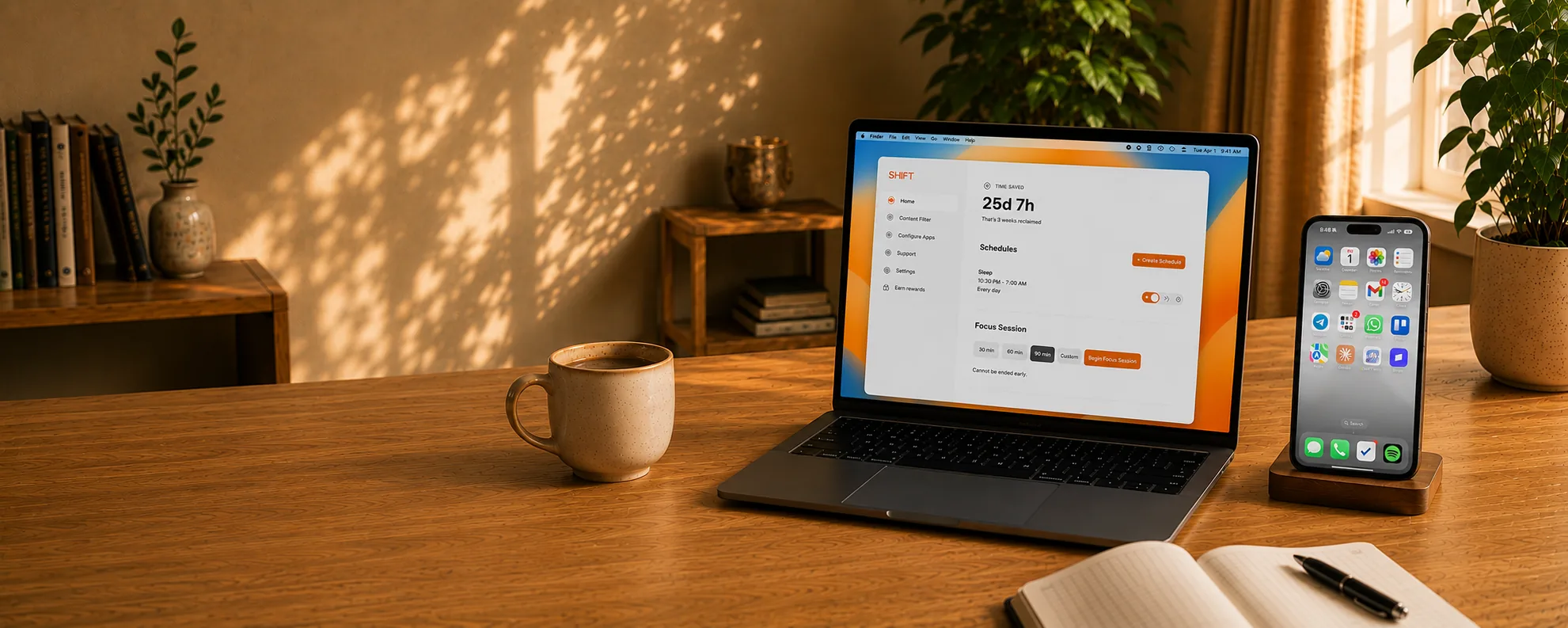
Focus sessions

Schedules

Sleep

10:30 PM — 7:00 AM · 3 days

What makes us different

When willpower fades, your limits stay in place.
Other blockers

  • Apple Screen Time

    Tap to ignore the limit.

  • Opal

    Remove the app when willpower drops.

  • Brick

    Tap the device to unlock.

  • Freedom

    Phone-side controls leave escape routes.
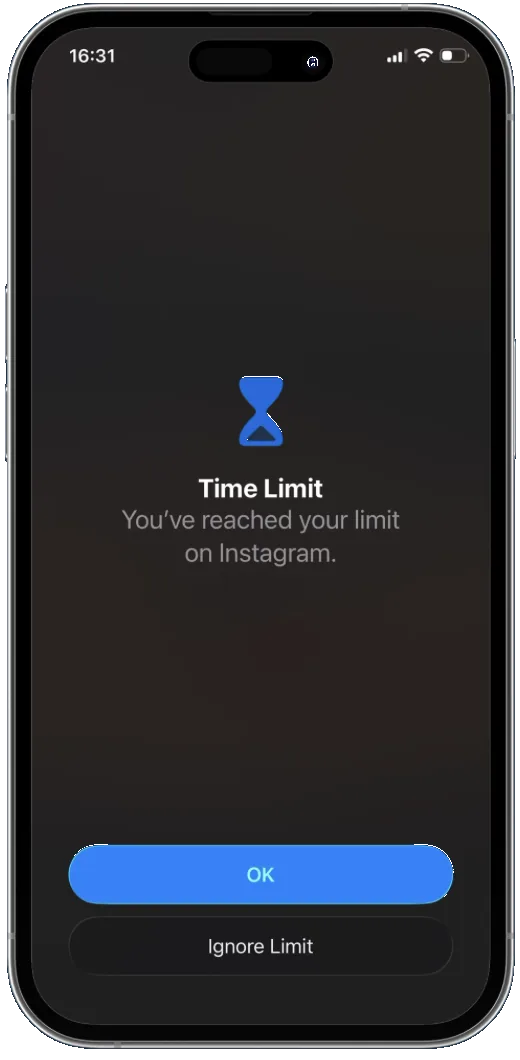
Screen Time limit screen with an Ignore Limit option.

SHIFT

A shifted phone with distracting apps removed and useful apps still available.
  • Desktop control

    Your phone doesn’t hold the off switch.

  • Removal protection

    Can’t uninstall from your phone while shifted.

  • Locked focus sessions

    Stay committed until the timer ends.

  • Schedules that hold

    No skipping your scheduled time.

★★★★★7,000+ people reclaiming their time

What others say about SHIFT

Less screen time

Before SHIFT, I tried getting a dumb phone — I have several dumb phones in the drawer next to me. SHIFT has been awesome because I've been able to cut my screen time down to just about under 30 minutes a day.

— Ian
Time back

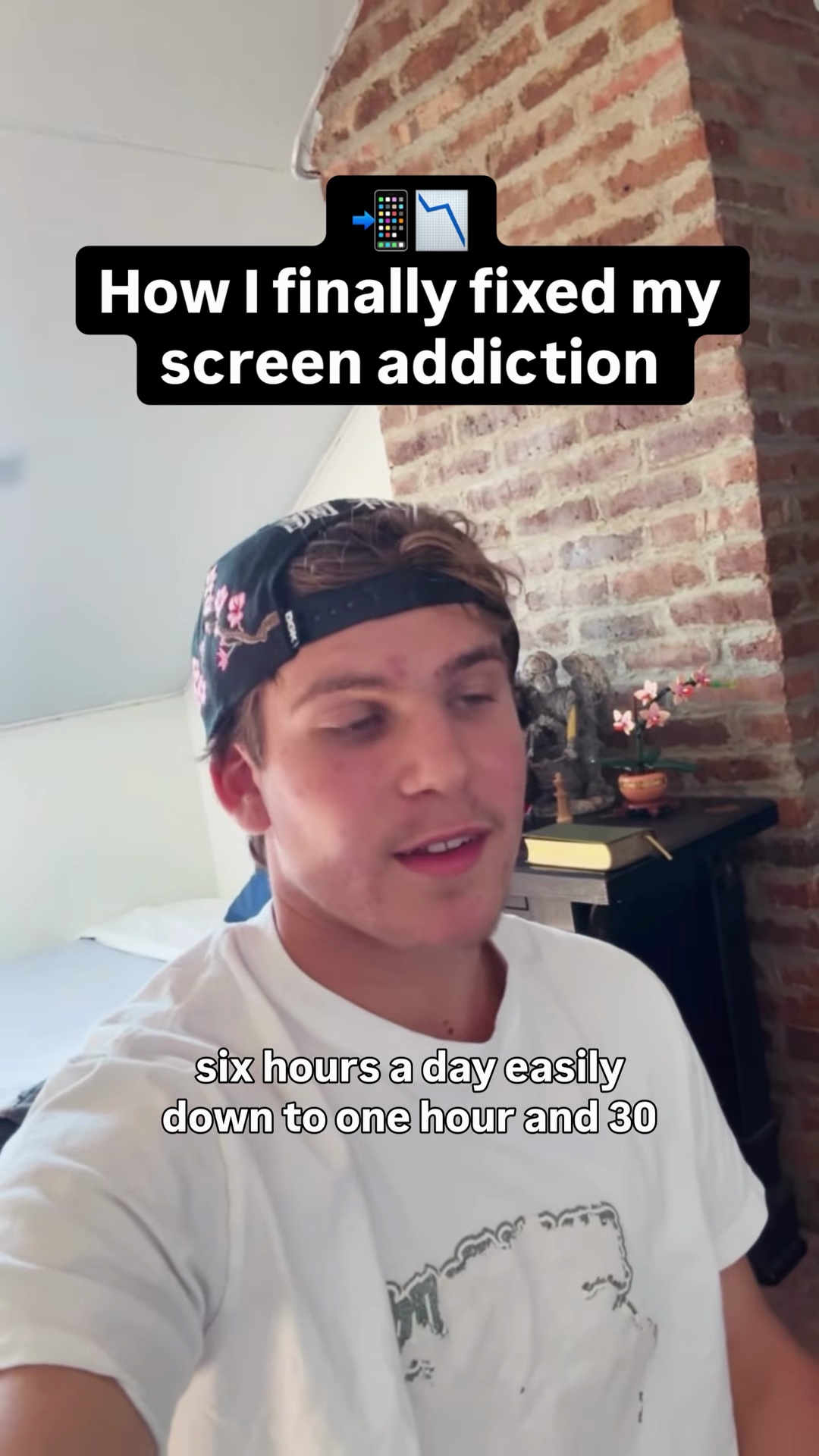
I kid you not, my screen time went from 5–6 hours a day easily down to 1 hour 30 minutes–2 hours a day. SHIFT has really helped me get my life back together.

— Ezra
Distractions gone

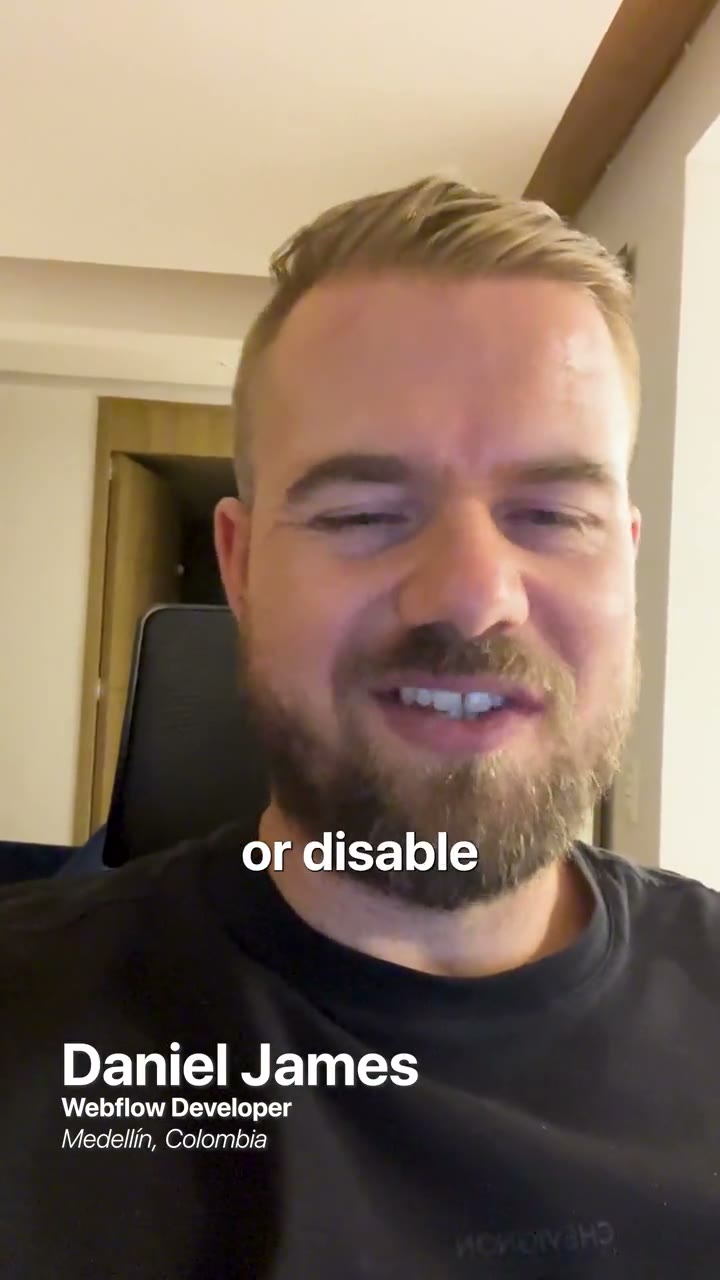
I've used almost all of these app blocker apps and most of them don't really work. Once you've shifted your phone, it's literally impossible to get around. You just click a button and all the noisy, distracting apps that are wasting your time just disappear.

— Daniel
Get SHIFT

“I use the app every day. The scheduling feature is by far my favorite. The best money I've spent on anything productivity-related.”

— Elizabeth★★★★★

Choose your SHIFT planStart your free SHIFT trial

7-dayMoney-back guarantee3-dayFree trial
5.0
7,000+ people reclaiming their time
3 days free
Free Trial
No credit card required
$0for 3 days
Try the full blockerThen choose a lifetime plan if it works for you
  • Block distracting apps
  • Schedule shifting
  • Anti-bypass setup
  • iOS and Android
Start free 3-day trialNo credit card required

Solo

One-time purchase

1 device
$149Once

Included

  • 1 device
  • Every way to SHIFT
  • iPhone + Android

Duo

One-time purchase

Most popular
$298Save $49
$249Once

Included

  • 2 devices
  • Every way to SHIFT
  • iPhone + Android

Family

One-time purchase

5 devices
$745Save $346
$399Once

Included

  • 5 devices
  • Every way to SHIFT
  • iPhone + Android

Frequently asked questions

SHIFT follows one simple rule: useful apps stay available, while distracting and entertainment apps are blocked.

That means apps like maps, banking, notes, health, and messaging remain available, while social media, games, news, and video streaming are blocked.

SHIFT does not allow users to make this distinction, because all feed-based apps (YouTube, TikTok, Instagram, Reddit, Twitter, etc.) can scratch the doomscrolling “itch” after a long enough time away. If you want to leave some feed-based or entertaining apps on your phone while blocking others, SHIFT isn’t the right fit for you.

If you request access to a blocked app, we approve or deny the request using those same rules. The app stays blocked unless we approve it.

You can add apps that SHIFT allows to your personal blocked list if you want it to be even more strict.

You can request the productivity tool or app you need to be whitelisted inside the SHIFT Desktop app.

If the request is for a distracting or entertaining app, the request will be rejected.

Download SHIFT on your Mac or PC, connect your phone via USB, and follow the setup instructions. After the initial setup, SHIFT works wirelessly.
Yes. You can schedule shifts for any length of time. During a scheduled shift, unshifting is completely blocked — even from your computer.
Every other app blocker — including Opal, Brick, and Screen Time — can be bypassed or deleted from your phone. With SHIFT, there are no workarounds.
While shifted, distracting websites — just like their app counterparts — are blocked.
Yes.
Yes. Because SHIFT is controlled from your computer, it’s ideal for parents. Your child can’t disable it, delete it, or work around it from their phone. See our dedicated page for parents.
7-day money-back guarantee. If SHIFT isn’t for you, we’ll refund you in full. After 7 days, all sales are final.

For the fastest support, open SHIFT Desktop, go to the Help tab, and submit your issue there.

If your computer is lost, download and log in to SHIFT on another computer and continue from there.

If you cannot access SHIFT Desktop at all, visit the support page for help.

No. SHIFT does not read, download, transmit, or store your texts, pictures, internet traffic, or other personal data. We don’t collect it and therefore cannot sell it.
Get SHIFT