Doomscrolling is easy to miss because it arrives disguised as ordinary phone use. There is no bottle on the desk and no obvious moment when “checking something” becomes forty-five minutes. The device is also the map, camera, group chat, bank, and boarding pass, so the habit hides inside something genuinely useful. Usually the first clear signal is the aftereffect: less time, less focus, and the strange feeling of having consumed a great deal without choosing or remembering much of it.
Making the phone screen black and white, deleting social media, or using a social media blocker are all common solutions, but you can reverse the change whenever you want, in a few clicks, right from the phone. The boundary and the workaround both live on the same phone, and the version of you making the rule is rarely the version of you looking for relief at 11:42 p.m.
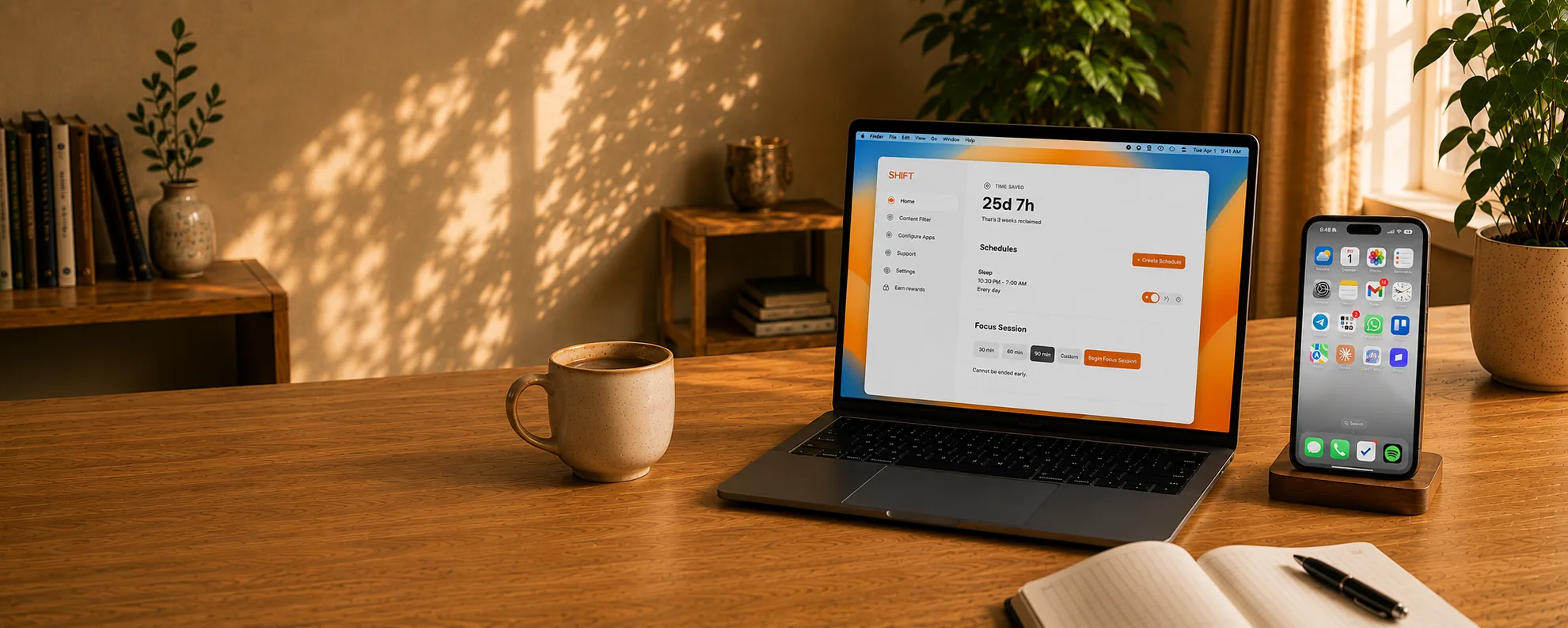
Self-aware scrollers are starting to make one structural change: move control off the phone. SHIFT is the only screen time blocker that cannot be bypassed from the phone. It runs on a Mac or PC and then connects to your phone. When active, all distractions are completely removed from the phone. It also blocks the website versions of the blocked apps. Most users live by the Schedule feature, which allows you to set up automatic shifting and unshifting times throughout the day. When those sessions are active, you can’t turn them off, even from the computer. The key difference with SHIFT is that once you make a commitment, willpower is taken completely out of the equation—so there’s no more renegotiating the boundaries you set for yourself.
If you'd like to check out SHIFT, you can learn more below.
Check out SHIFT