 Instagram
 TikTok
 YouTube
 Twitter

















Manual shifts
Block now
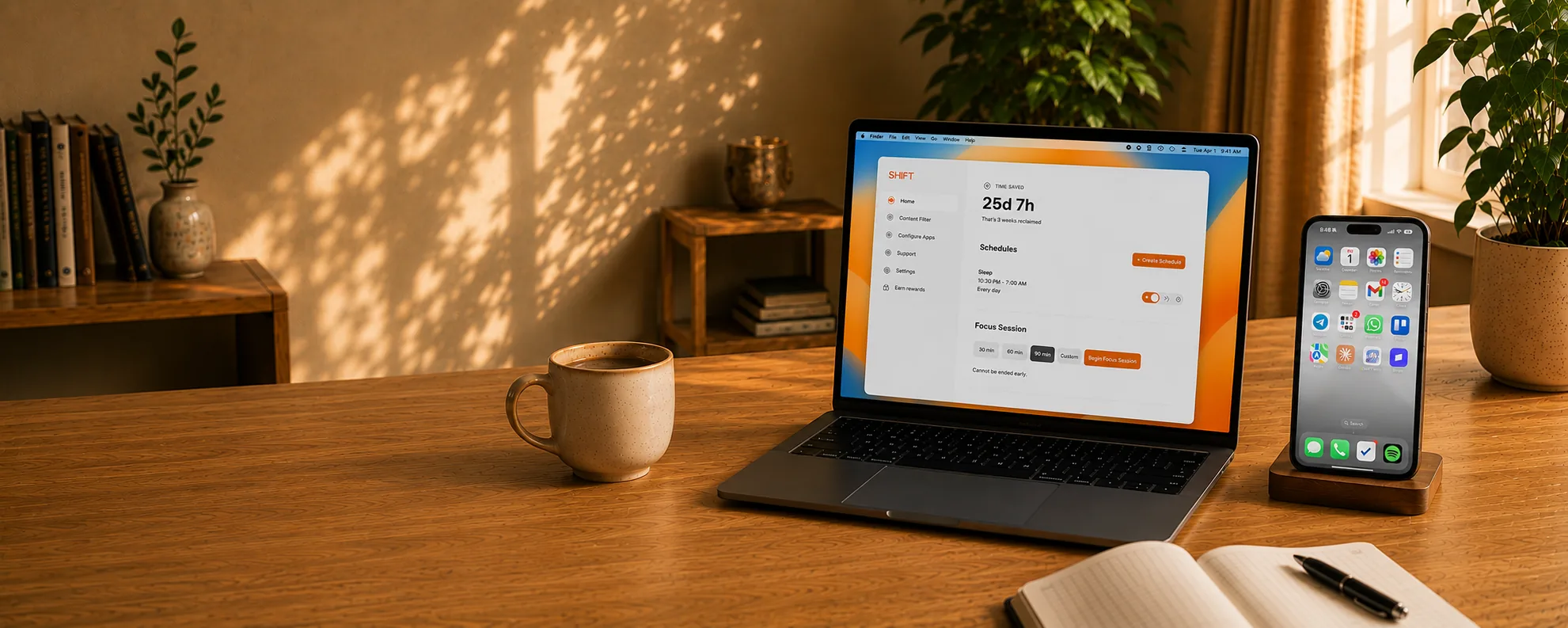
The distraction blocker designed to be impossible to bypass.
7-day money-back guarantee
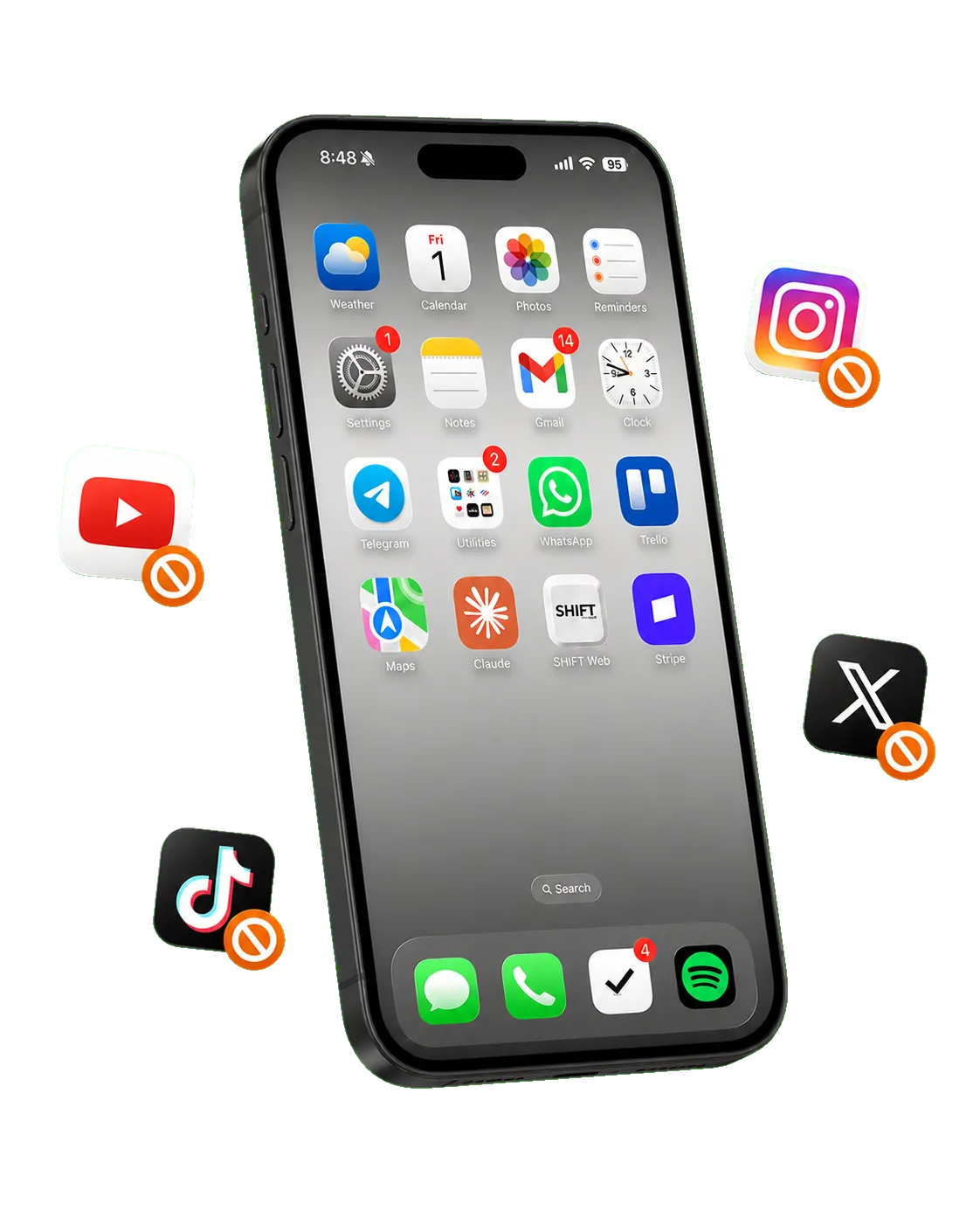
No workarounds. No willpower. No doomscrolling.
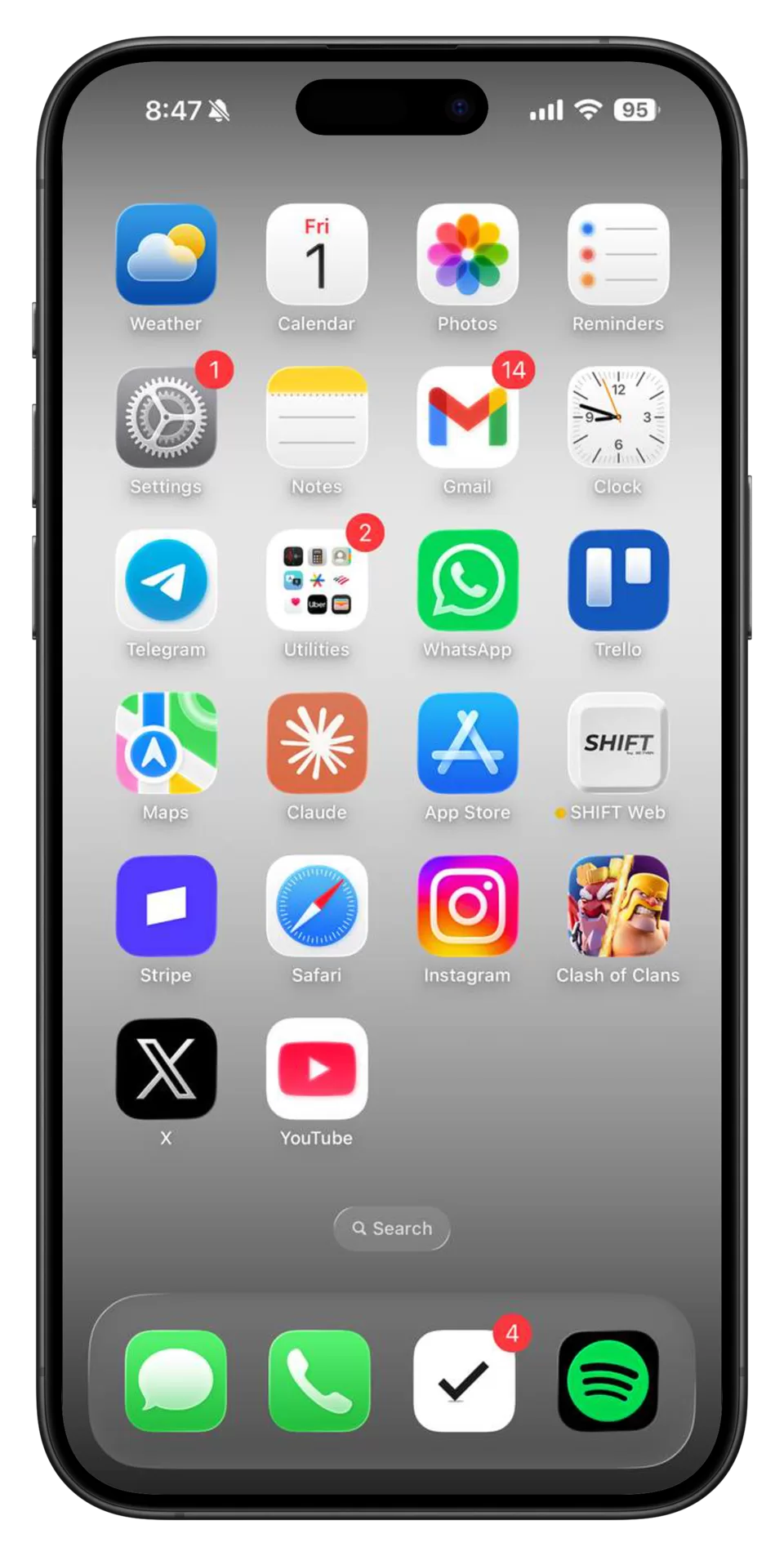
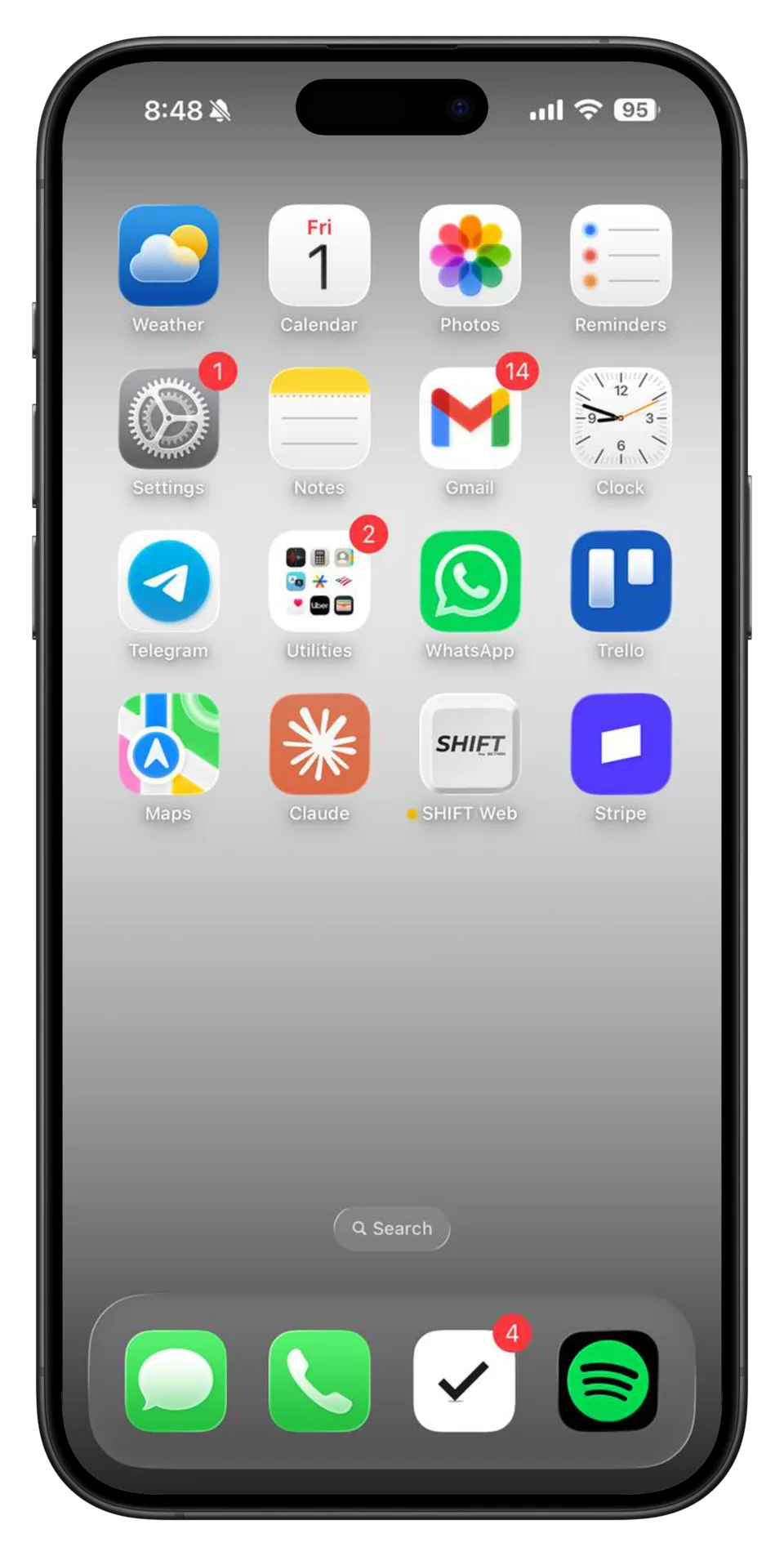
On average, 839 hours are reclaimed each year by reducing screen time with SHIFT. More time for family, better sleep, and less anxiety.
Available for iPhone and Android.
Get SHIFTOne setup. Managed from your computer.
Social feeds and games stay out of reach.
Messages, maps, and daily tools stay ready.
Start a shift and SHIFT filters your apps automatically. We block ALL distractions - no selections required.
10:30 PM — 7:00 AM · 3 days
When willpower fades, your limits stay in place.
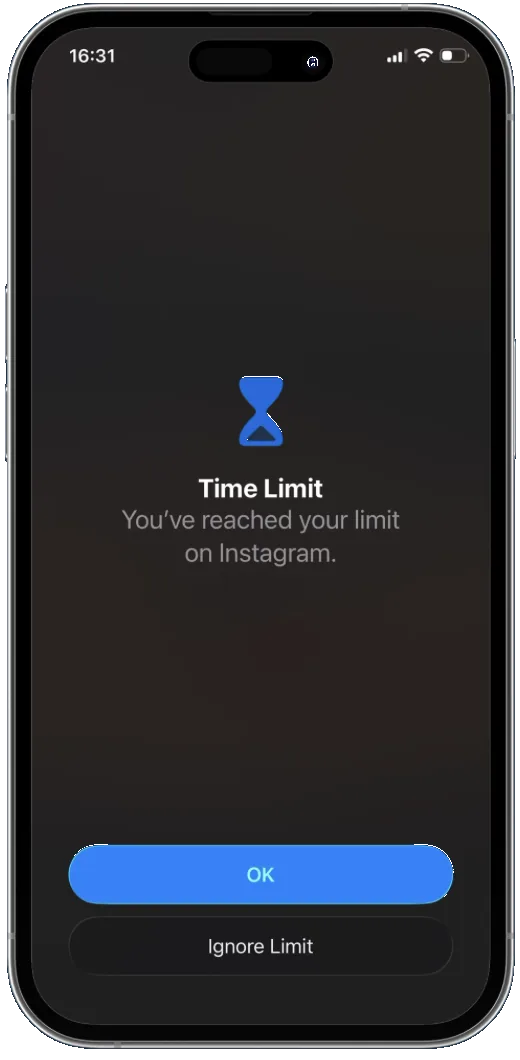
Tap to ignore the limit.
Remove the app when willpower drops.
Tap the device to unlock.
Phone-side controls leave escape routes.
Your phone doesn’t hold the off switch.
Can’t uninstall from your phone while shifted.
Stay committed until the timer ends.
No skipping your scheduled time.
★★★★★7,000+ people reclaiming their time
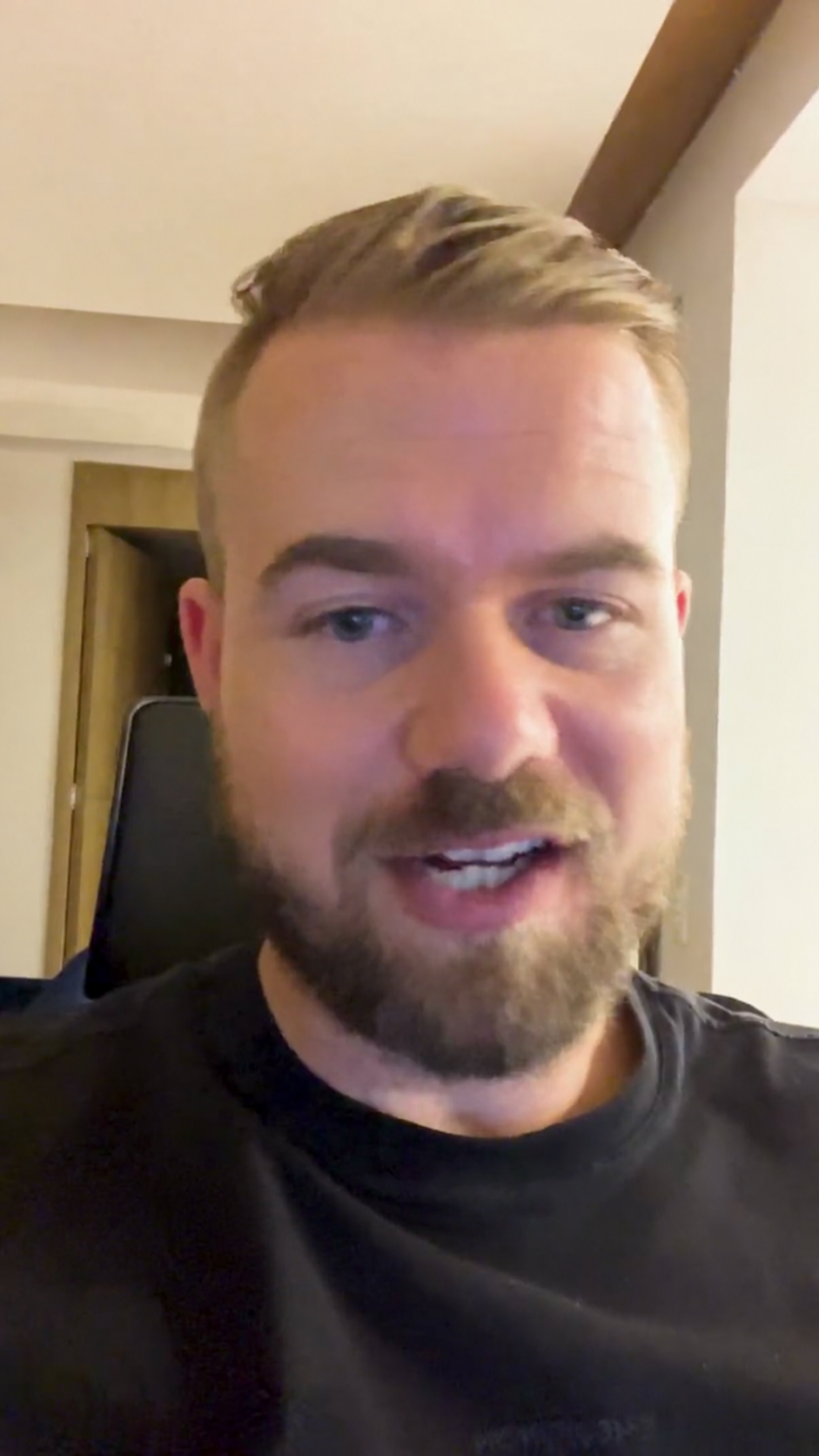
Before SHIFT, I tried getting a dumb phone — I have several dumb phones in the drawer next to me. SHIFT has been awesome because I've been able to cut my screen time down to just about under 30 minutes a day.
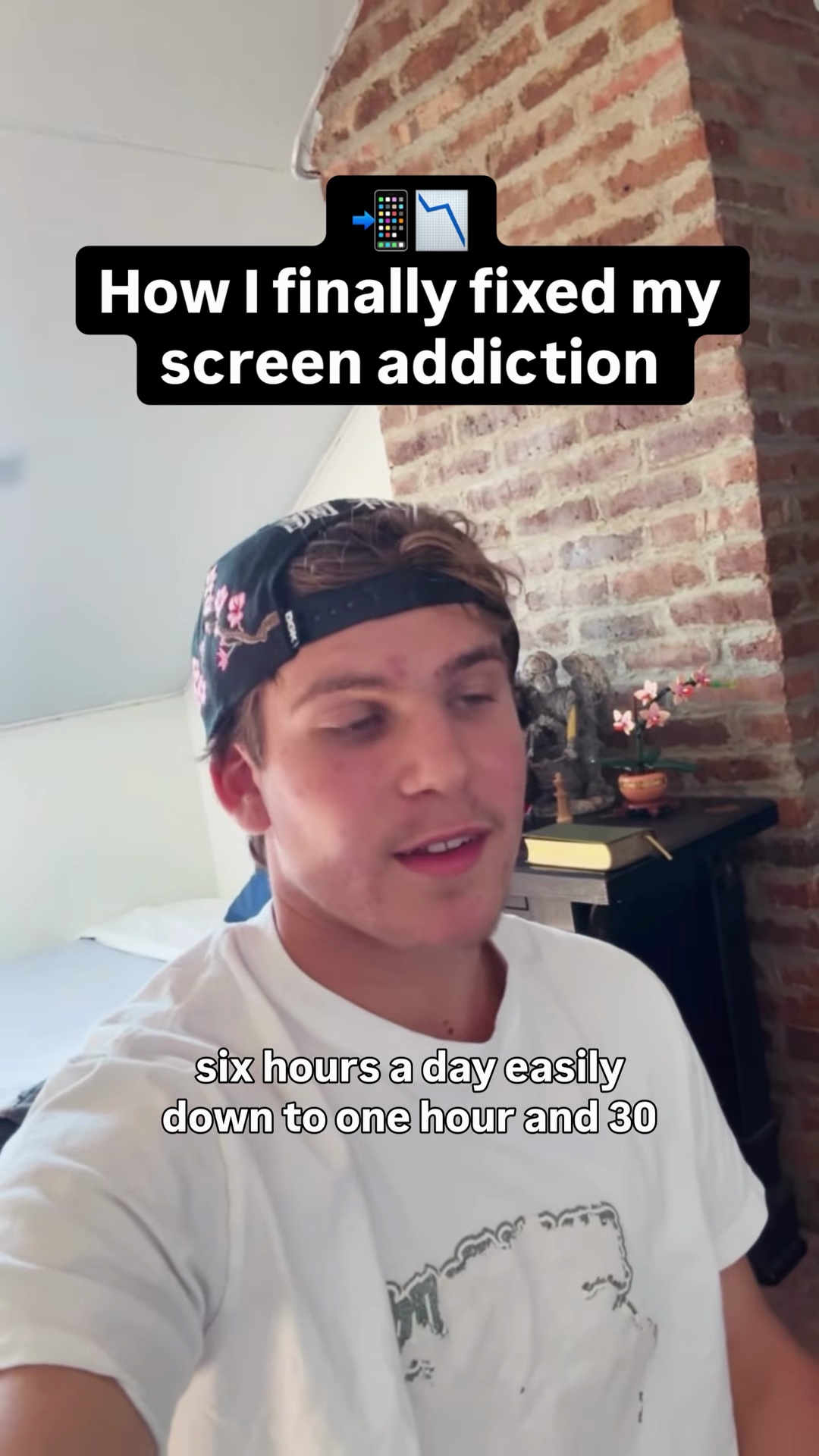
I kid you not, my screen time went from 5–6 hours a day easily down to 1 hour 30 minutes–2 hours a day. SHIFT has really helped me get my life back together.
I've used almost all of these app blocker apps and most of them don't really work. Once you've shifted your phone, it's literally impossible to get around. You just click a button and all the noisy, distracting apps that are wasting your time just disappear.
One-time purchase
Included
One-time purchase
Included
SHIFT follows one simple rule: useful apps stay available, while distracting and entertainment apps are blocked.
That means apps like maps, banking, notes, health, and messaging remain available, while social media, games, news, and video streaming are blocked.
SHIFT does not allow users to make this distinction, because all feed-based apps (YouTube, TikTok, Instagram, Reddit, Twitter, etc.) can scratch the doomscrolling “itch” after a long enough time away. If you want to leave some feed-based or entertaining apps on your phone while blocking others, SHIFT isn’t the right fit for you.
If you request access to a blocked app, we approve or deny the request using those same rules. The app stays blocked unless we approve it.
You can add apps that SHIFT allows to your personal blocked list if you want it to be even more strict.
You can request the productivity tool or app you need to be whitelisted inside the SHIFT Desktop app.
If the request is for a distracting or entertaining app, the request will be rejected.
For the fastest support, open SHIFT Desktop, go to the Help tab, and submit your issue there.
If your computer is lost, download and log in to SHIFT on another computer and continue from there.
If you cannot access SHIFT Desktop at all, visit the support page for help.